The tester
OmaBoot? Live
A verifiable fork of the official Omarchy ISO. Test your Mac, and fixes, against Omarchy without installing anything or touching your disks.
First release soonabout 1.2 GB
Boot a Live-Boot environment to find out.
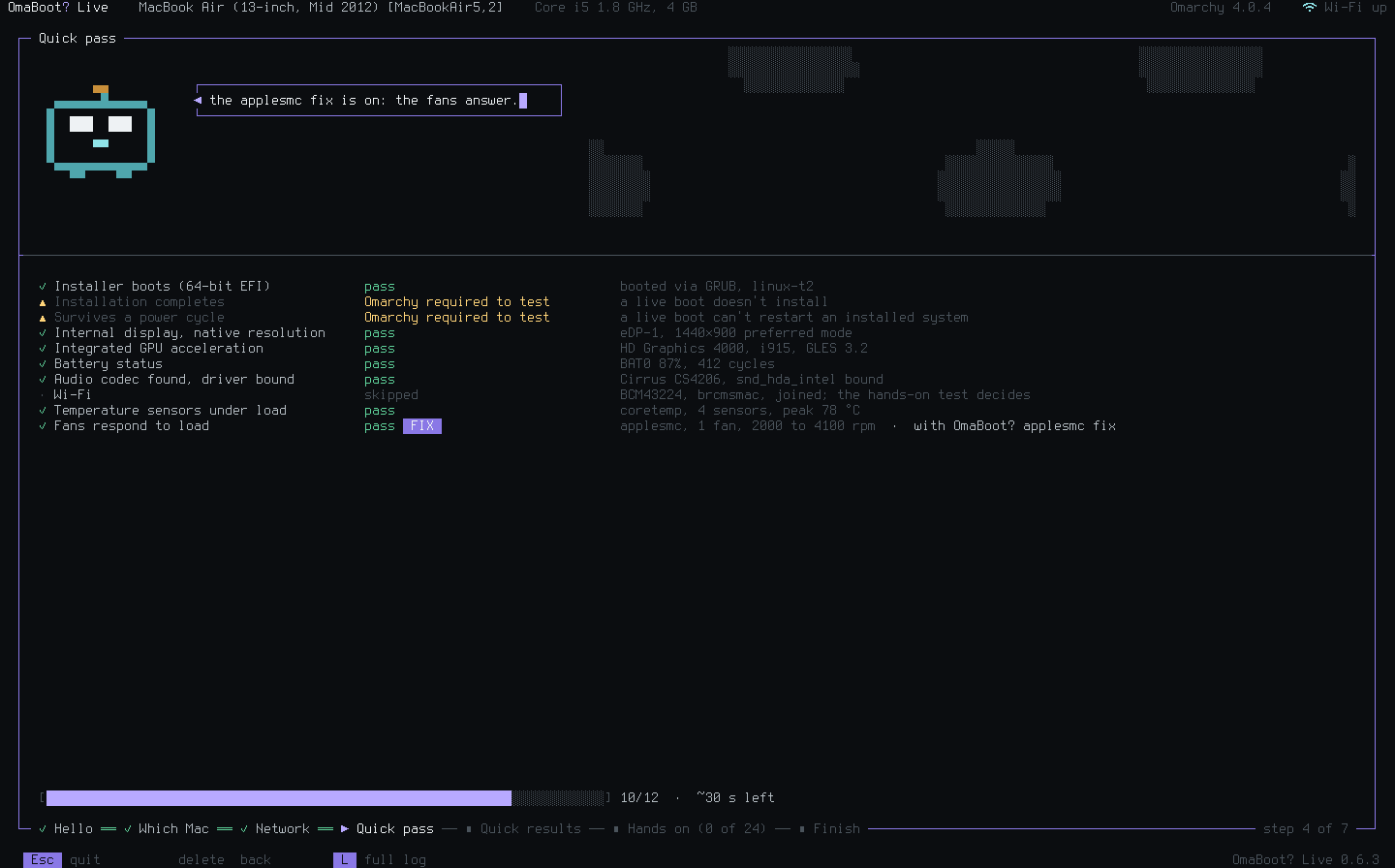
OmaBoot? Live checks your exact Mac in about two minutes, then walks you through hands-on tests of the keyboard, ports, sound, sleep and more. Nothing is installed, and your disks stay read-only.

Three editions, one tester. Start with Live.
The tester
A verifiable fork of the official Omarchy ISO. Test your Mac, and fixes, against Omarchy without installing anything or touching your disks.
First release soonabout 1.2 GB
Installer and tester
Omarchy's own installer with the tester one menu entry away. Test first, then install from the same stick.
After Liveabout 6 GB
Two sticks
Someday, hopefully: a small OmaBoot? stick that works alongside Omarchy's official ISO on a second stick. Test with one, install with the other.
Hopeful future
Any USB stick of 2 GB or more (8 GB for OmaBoot? Omarchy). How
Turn the Mac on, pick OmaBoot? Live from the startup disks.
A two-minute quick pass with no input, then the full hands-on test. Skip any part you like.
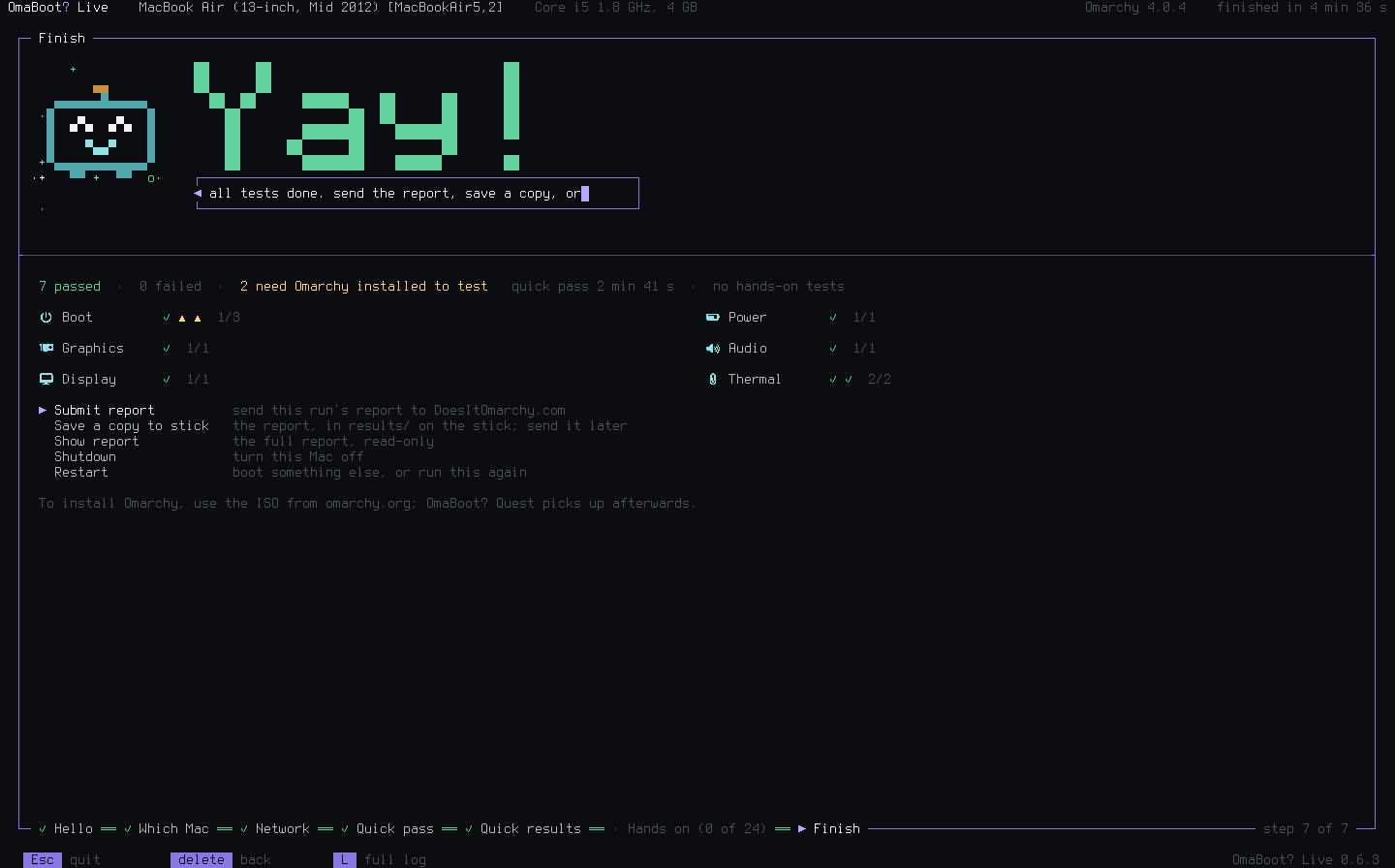
Send the results to DoesItOmarchy.com, where they help the community: everyone with the same Mac learns what to expect from Omarchy. Offline? Save them to the stick.
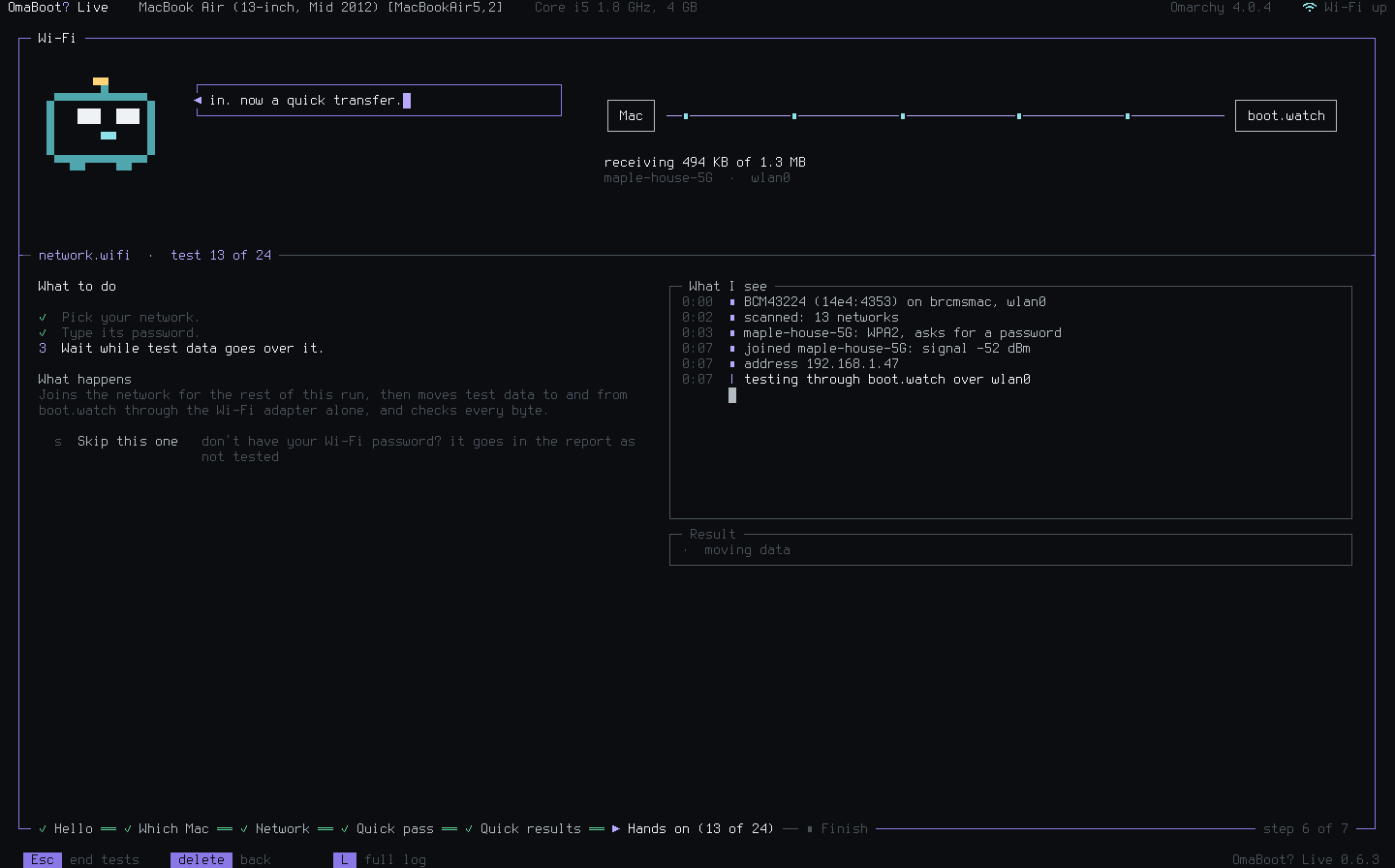
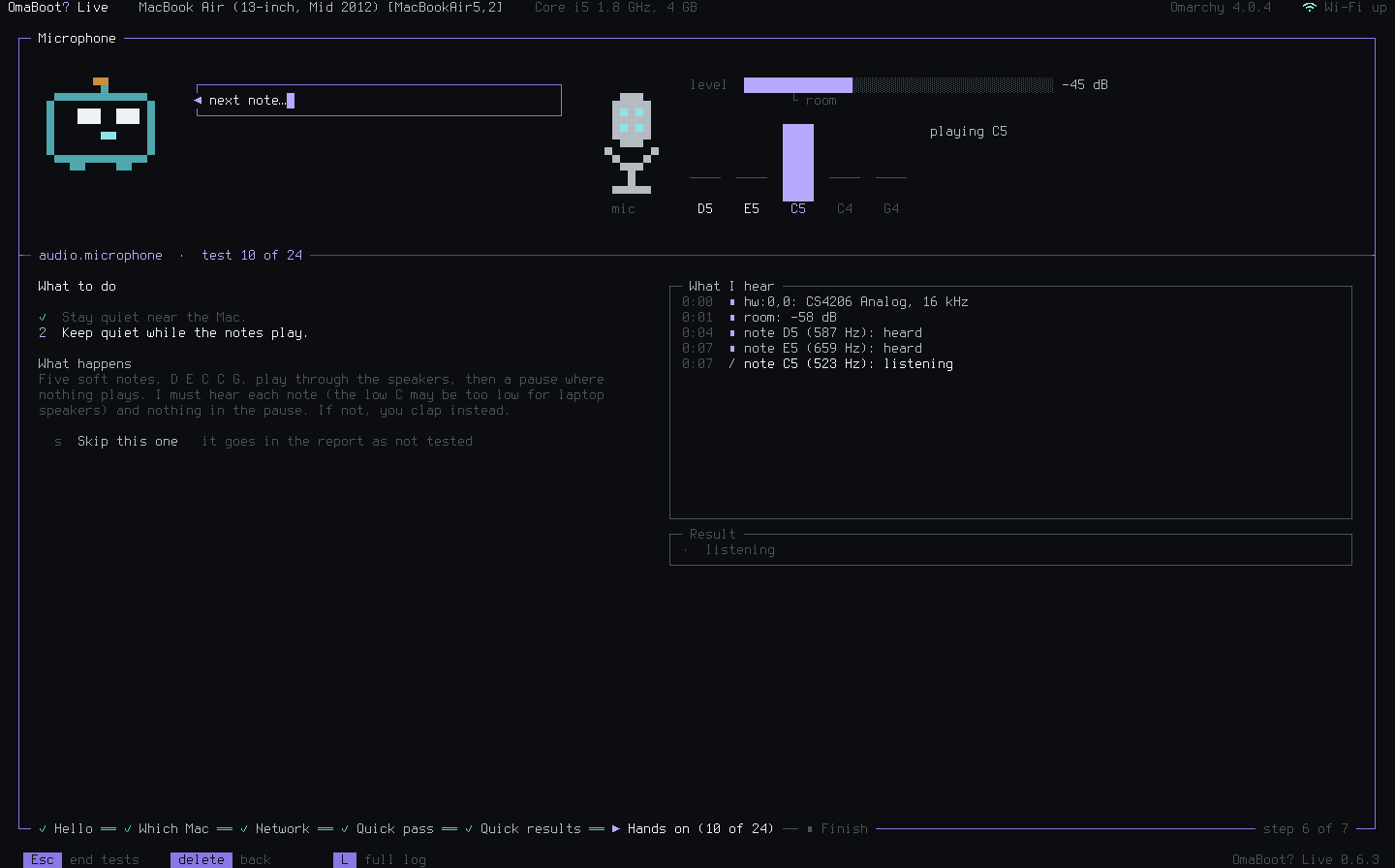
Each test explains what to do, shows what the Mac sees, and decides from what it measured.
The 46 criteria DoesItOmarchy.com judges every Mac by. Each square is one; the fuller it is, the surer the test.
1 of 4 tested live
6 of 7 tested live
5 of 9 tested live
4 of 4 tested live
4 of 8 tested live
1 of 1 tested live
3 of 3 tested live
6 of 8 tested live
2 of 2 tested live
highmediumneeds an installed systemAll tests, and how each one decides
One model identifier can cover several different machines. MacBook Pro (15-inch, Early 2011) [MacBookPro8,2] came with either a Radeon HD 6490M or a 6750M, and the same identifier's Late 2011 models brought a 6770M: three graphics chips that Linux drives differently.
OmaBoot? Live reads what your Mac really has: its model identifier and board ID, its graphics, Wi-Fi and other chips by their IDs, and finds the one configuration that matches, out of 206 across 121 Mac models. When two could fit, you pick yours from a short list.
Your results then count for that exact configuration on DoesItOmarchy.com, so the next person with the same Mac knows what to expect.
model MacBookPro8,2 board Mac-94245A3940C91C80
15-inch, Early 2011
Core i7 2.0 GHz · Radeon HD 6490M
Core i7 2.2/2.3 GHz · Radeon HD 6750M
15-inch, Late 2011
Core i7 2.2 GHz · Radeon HD 6750M
Core i7 2.4 GHz · Radeon HD 6770M yours
Before anything else, every internal disk is set read-only. Nothing is installed and no firmware or startup setting changes. Pull the stick and your Mac is as it was.
Built from Omarchy's own ISO, with the same kernels and packages as an official release. Each release shows exactly what differs. Check it